.png)
Start for free
We respond within 24 hours. Please note we only respond to business inquiries.

Allow cookies to watch this video
Alternatively, you can watch the video on our YouTube channel.
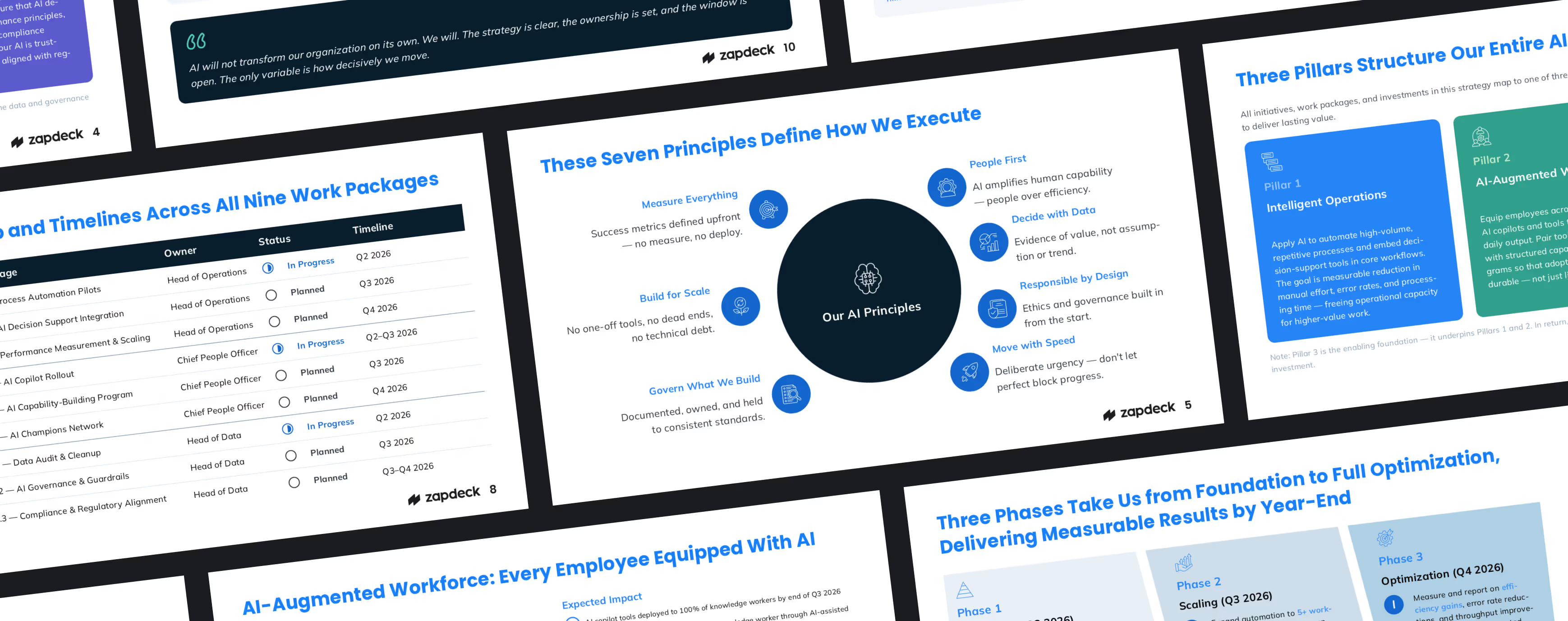
Presentations, precisely on-brand
Professional, enterprise-level slide design generated by AI





Designed for business teams
.avif)
Set standards, templates, and assets that enable your team to deliver consistent, on-brand presentations every time.
.avif)
Present your information with clarity and impact through custom-built, professional charts, diagrams, and infographics.
.png)
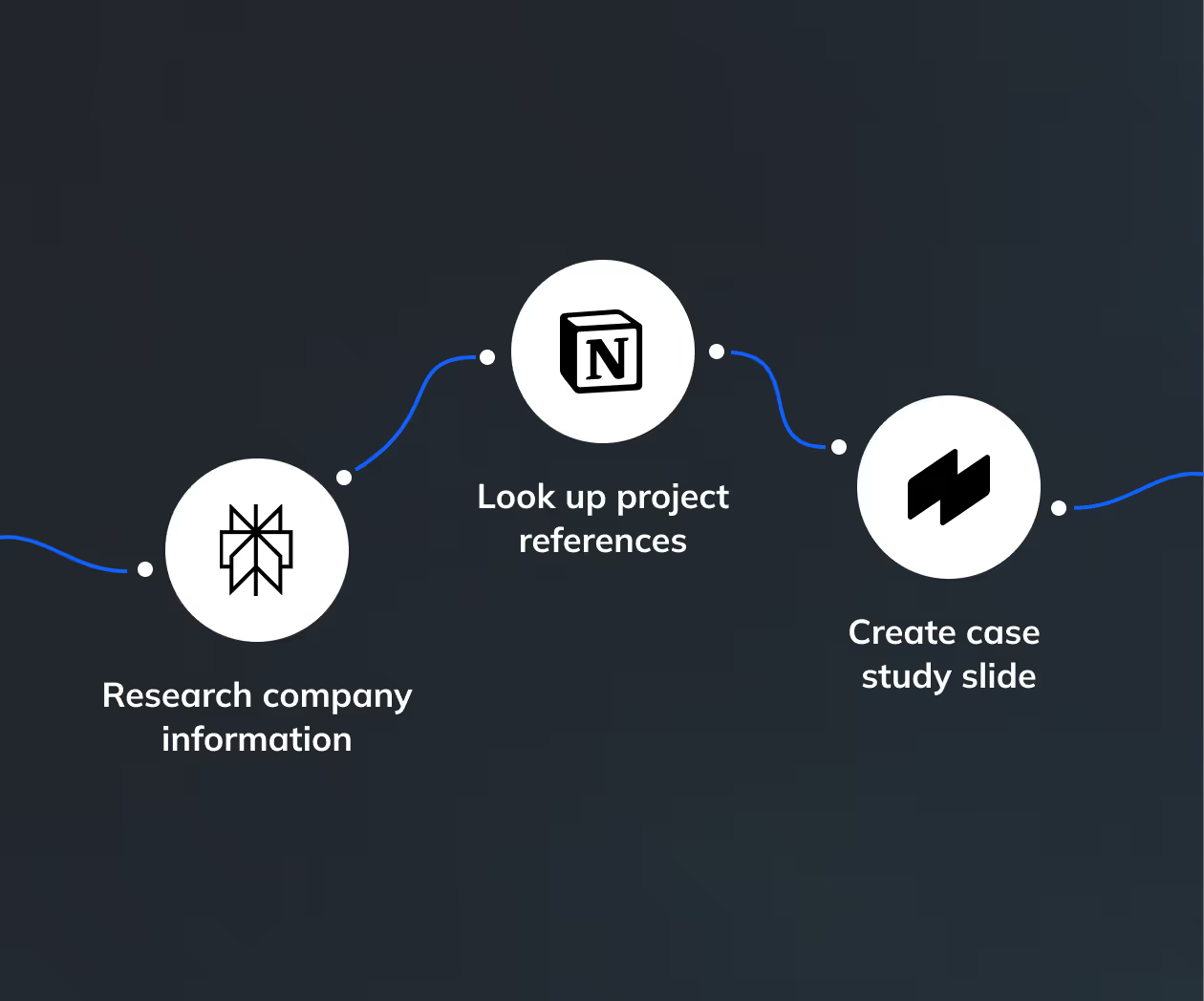
Build workflows tailored to your needs by integrating Zapdeck with your tools: From chatbots and databases to digital asset libraries.
.png)
AI tools for professionals
Turn input into slides
Write a script or upload files like PDFs, spreadsheets, or screenshots — and let AI turn your content into custom-made, professionally designed slides.
.avif)
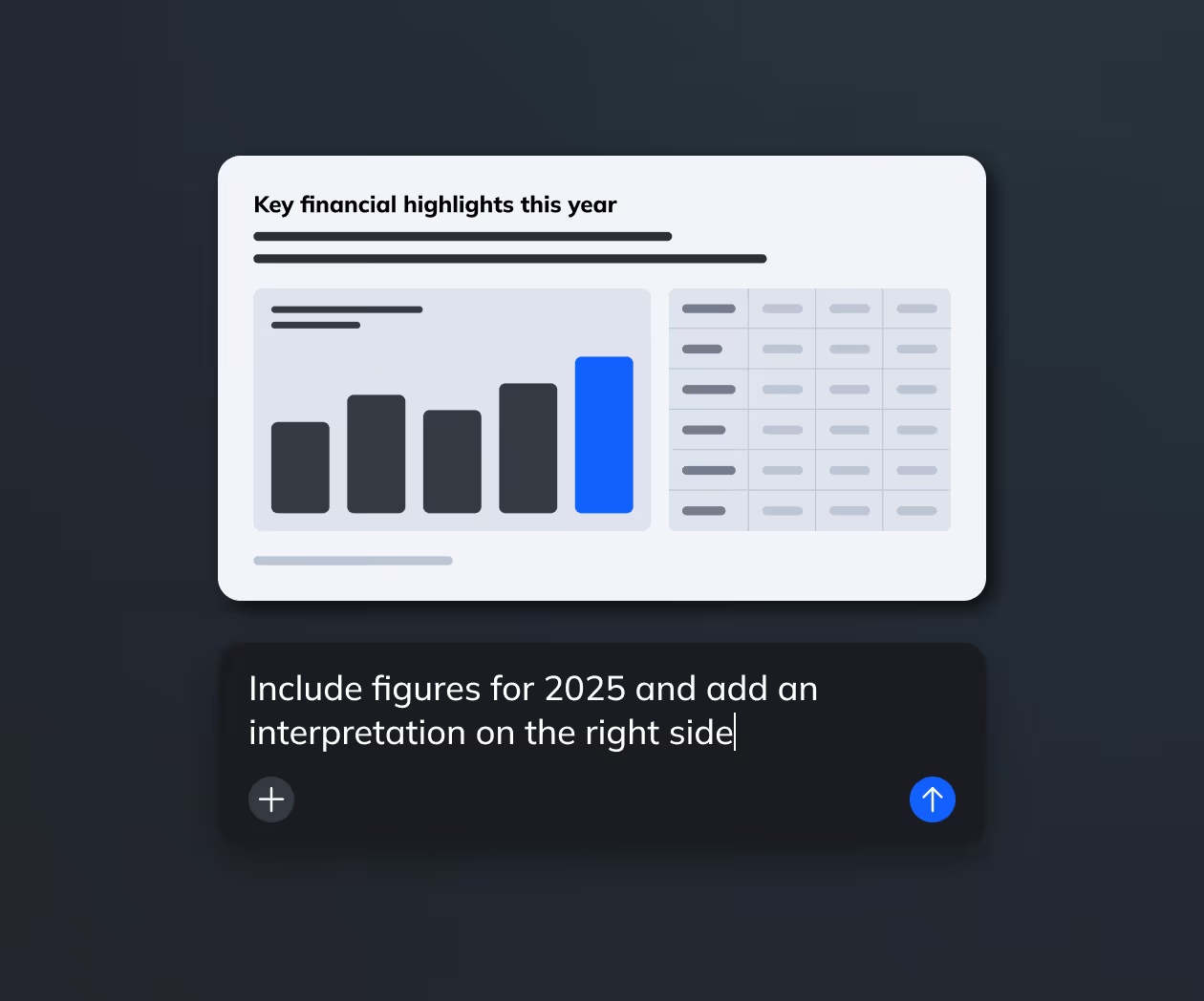
Edit slides with AI
Refine your slides with simple prompts — our AI assistant adjust layouts, shortens text, and translates to any language in seconds.
Restyle presentations
Upload existing presentations and let AI rebuild them to match your brand guidelines or transform them into a different design theme.
.avif)
Standardize your brand at scale
Create reusable storylines and templates that ensure every presentation follows your brand and design standards automatically.
.avif)
Automate presentation workflows
Integrate Zapdeck with your AI tools and chatbots to generate presentations fully automatically.
.png)
Dramatic keynote slide with a deep burgundy background, oversized beige text in the back, and a centered black smart speaker overlapping the text. Clean, bold, Apple-style. 16:9.
.png)
Modern presentation slide with a muted green background and oversized light headline text. Small lifestyle image bottom left, short paragraph text on the right. Clean layout, minimal, slide number bottom right. 16:9.
.png)
Minimal dark slide with large bold headline at the top and a centered product photo below it. Strong contrast, lots of negative space, premium tech keynote style. Slide number bottom right. 16:9.
.png)
Clean light purple presentation slide with a headline top left, short description text, and two large content blocks side by side. Minimal UI-style layout, structured grid, modern branding. 16:9.


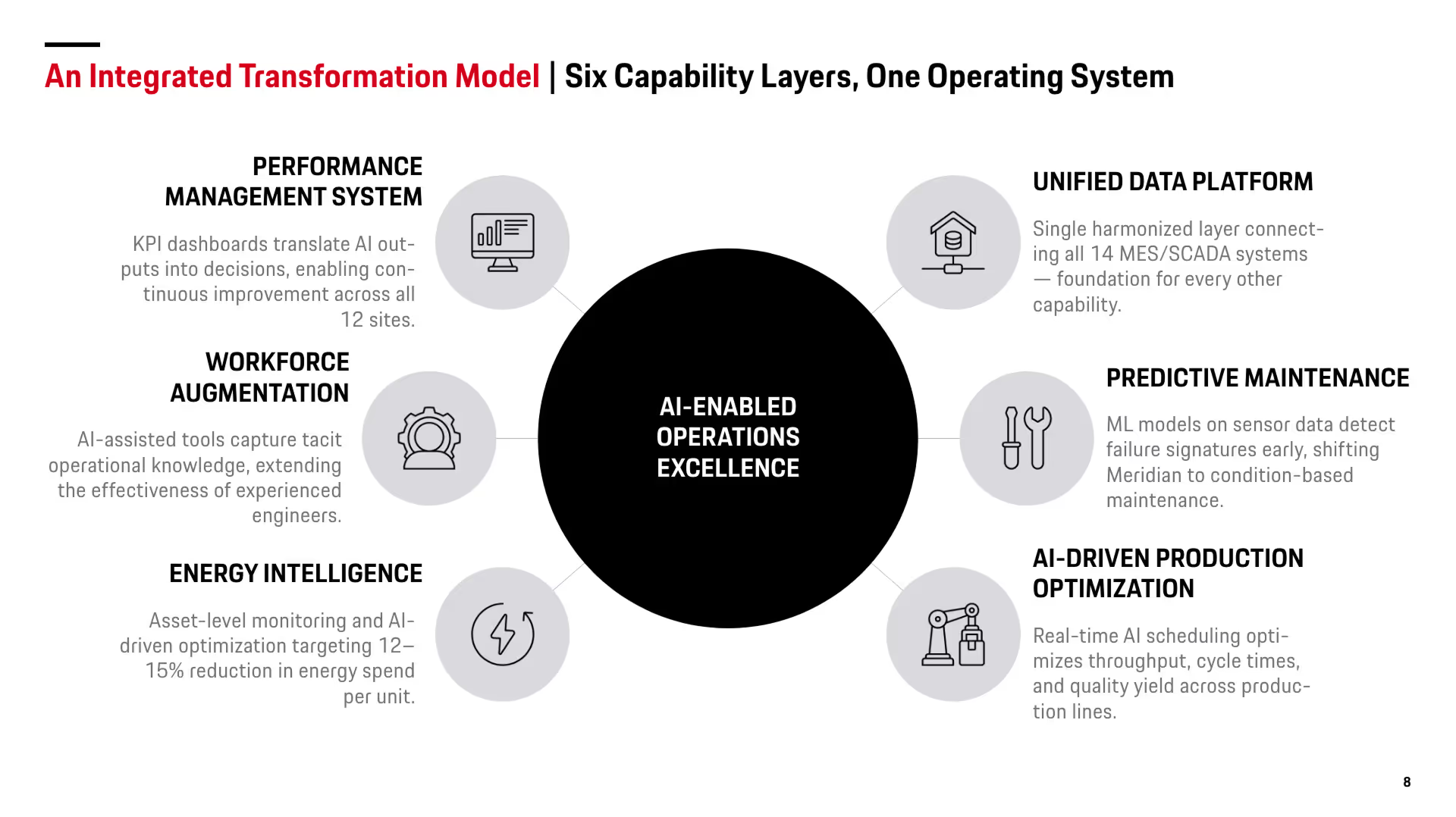
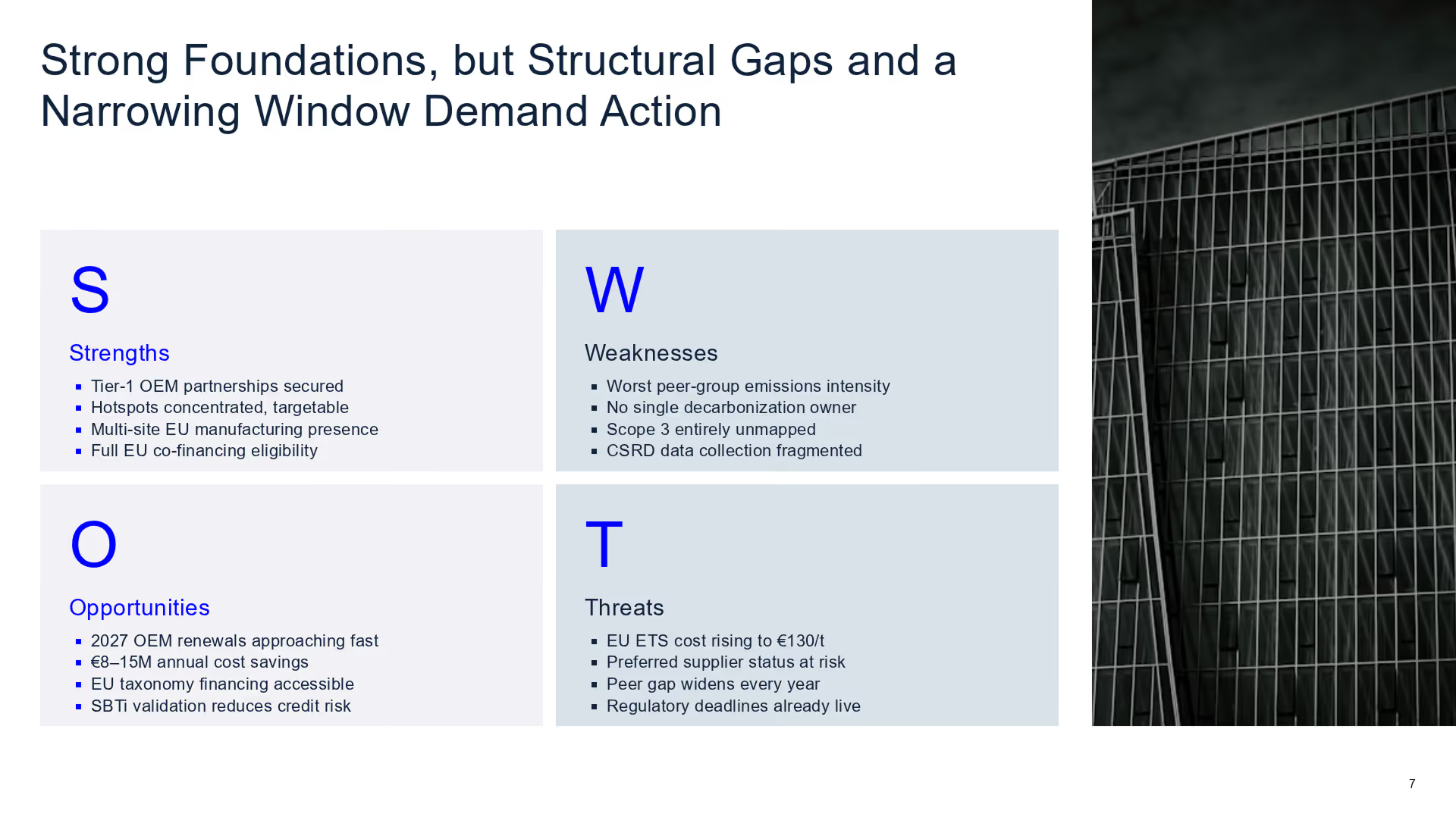
Slides made with Zapdeck
Dramatic keynote slide with a deep burgundy background, oversized beige text in the back, and a centered black smart speaker overlapping the text. Clean, bold, Apple-style. 16:9.
.avif)
Modern presentation slide with a muted green background and oversized light headline text. Small lifestyle image bottom left, short paragraph text on the right. Clean layout, minimal, slide number bottom right. 16:9.
Minimal dark slide with large bold headline at the top and a centered product photo below it. Strong contrast, lots of negative space, premium tech keynote style. Slide number bottom right. 16:9.
.avif)
Clean light purple presentation slide with a headline top left, short description text, and two large content blocks side by side. Minimal UI-style layout, structured grid, modern branding. 16:9.
.avif)
Clean light purple presentation slide with a headline top left, short description text, and two large content blocks side by side. Minimal UI-style layout, structured grid, modern branding. 16:9.
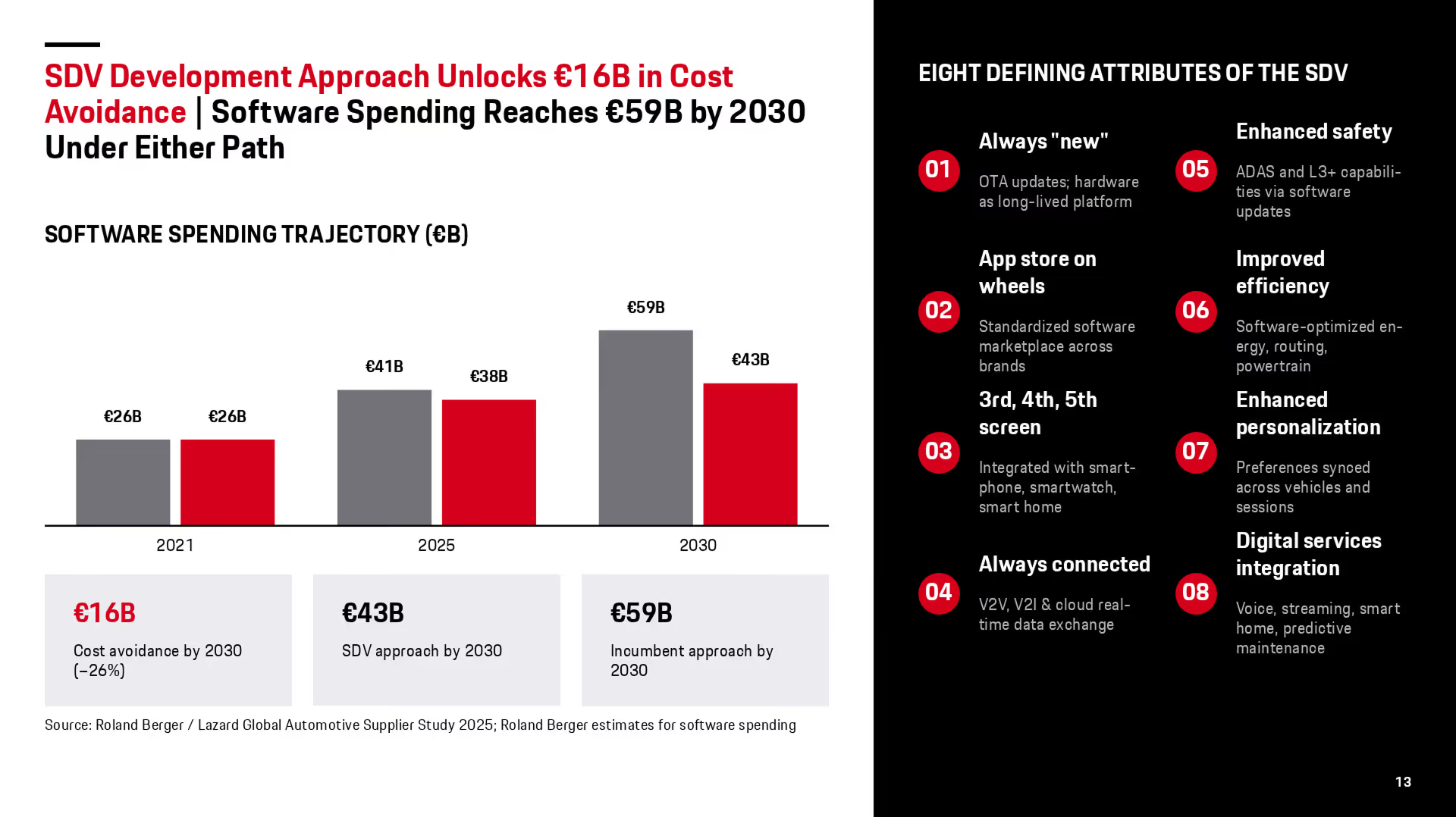
Clean light purple presentation slide with a headline top left, short description text, and two large content blocks side by side. Minimal UI-style layout, structured grid, modern branding. 16:9.
.avif)
Clean light purple presentation slide with a headline top left, short description text, and two large content blocks side by side. Minimal UI-style layout, structured grid, modern branding. 16:9.
.avif)
Clean light purple presentation slide with a headline top left, short description text, and two large content blocks side by side. Minimal UI-style layout, structured grid, modern branding. 16:9.
Works for your use cases
QBRs & financial reporting
Create customized reports with flexible slide templates that adapt to your data — with up-to-date insights generated in seconds, fully on-brand.
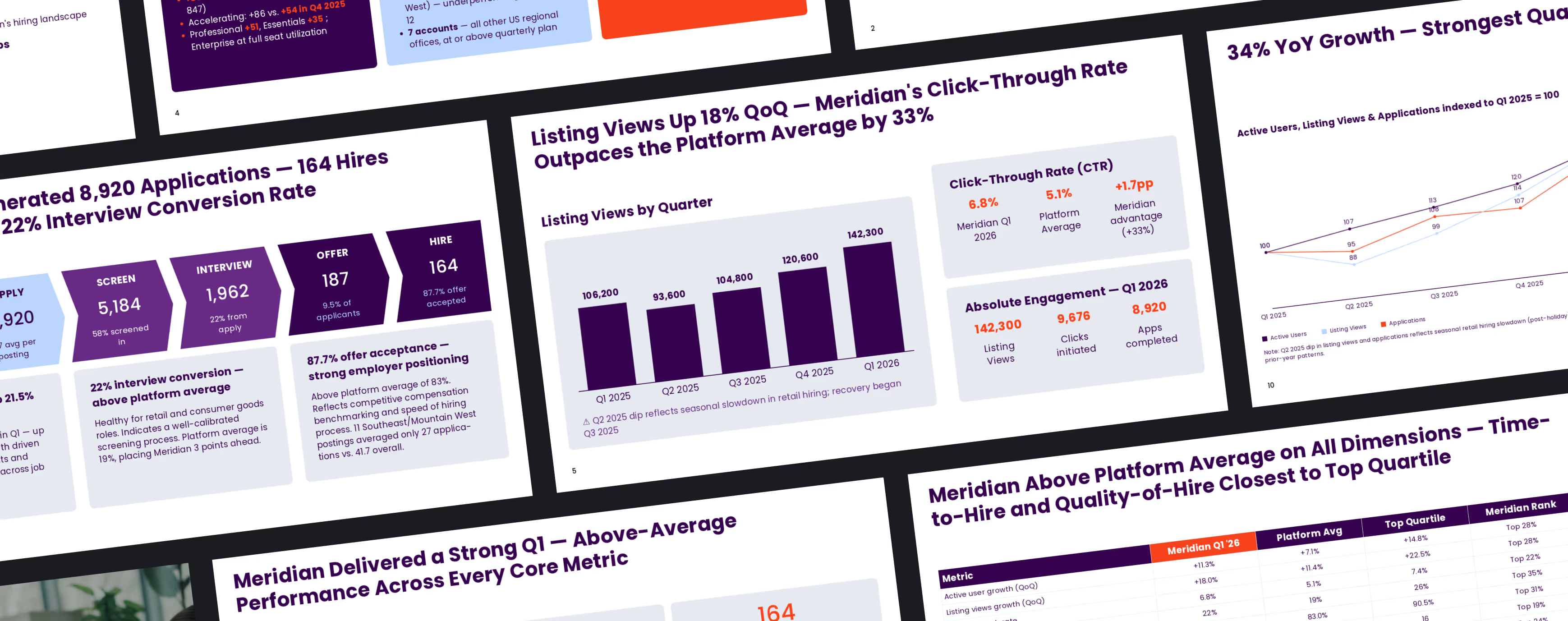
Report visualizations
Convert long-form reports like research papers, annual reports, or white papers into clear, shareable presentations.
.avif)
Proposals & sales decks
Automate and personalize your pitch decks at scale. Prepare best-practice storylines and tailor content to each client using uploads, APIs, or CRM data.
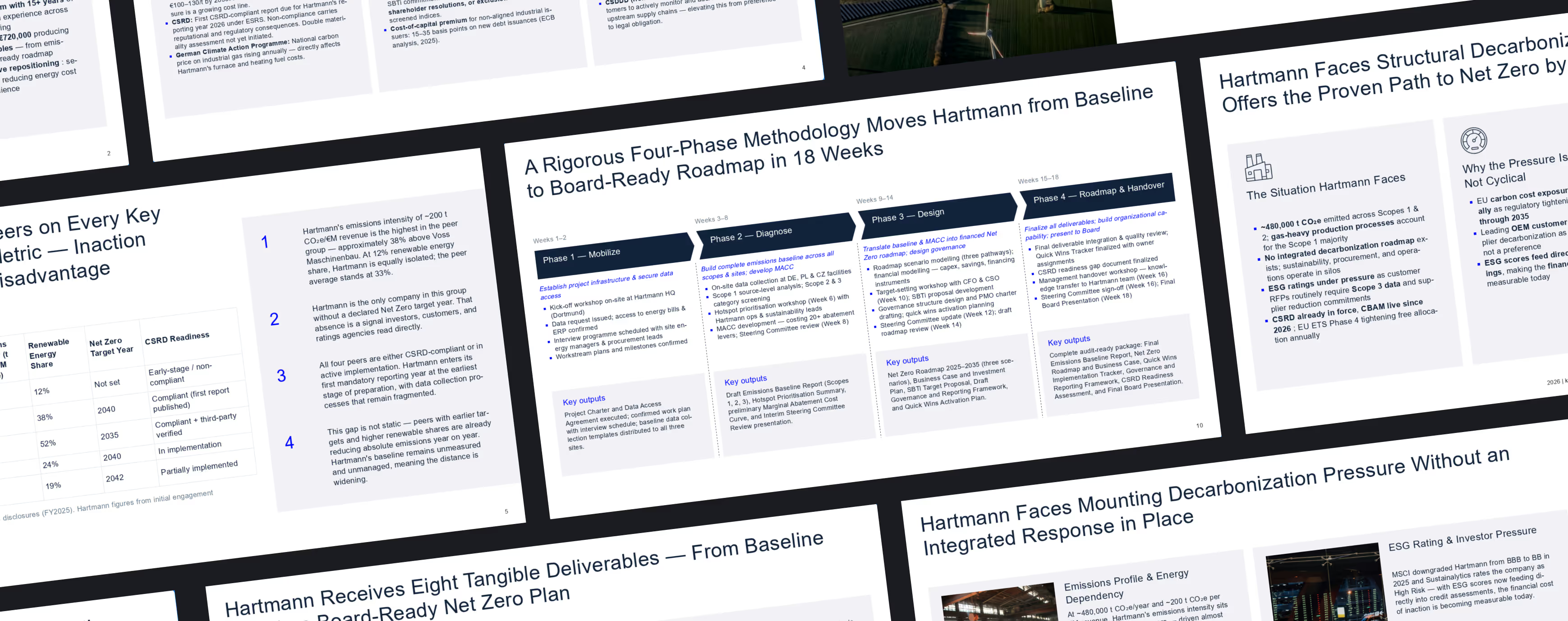
Project summaries
Upload presentations and documents created on your project and turn them into a clear summary for internal knowledge management.
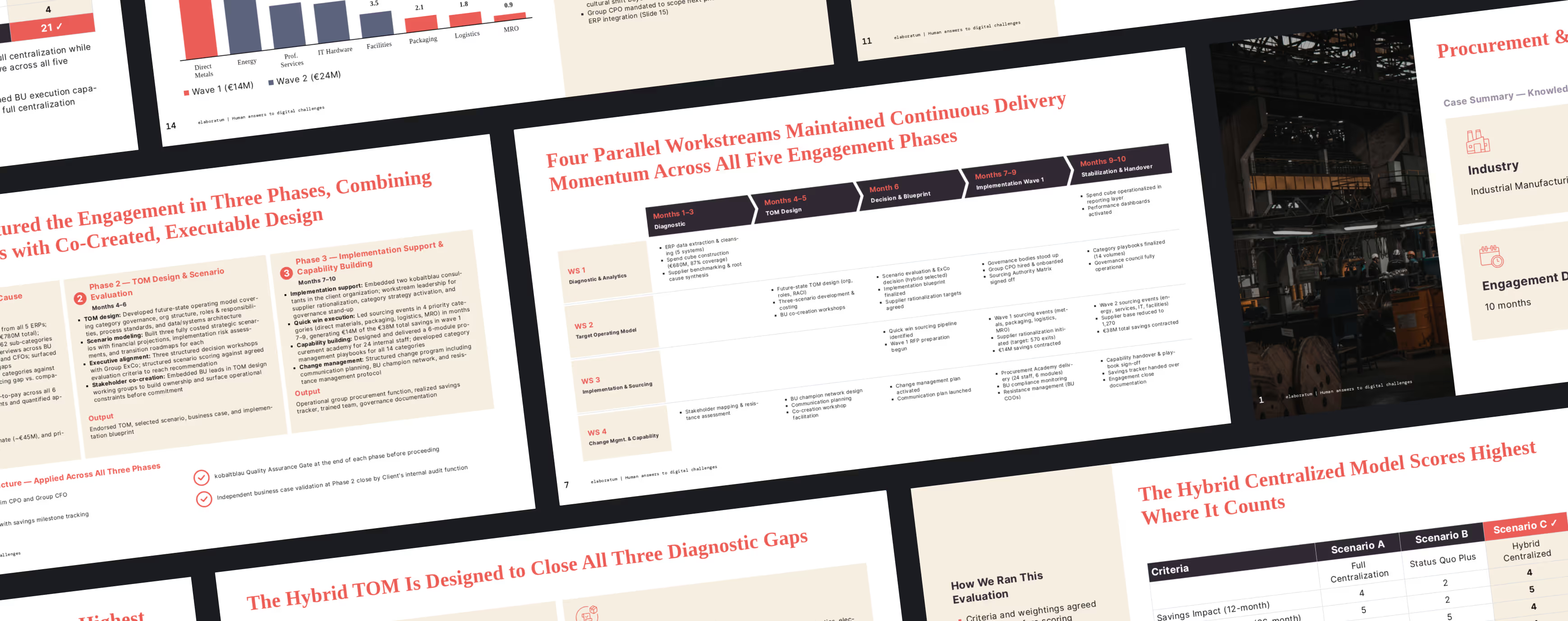
Branding updates
Upload large volumes of existing slides from your previous brand and automatically transfer them to your new brand design — without manual work.
Trusted by industry leaders
See all testimonials.jpg)
“With Zapdeck, we benefit from strong presentation design and a highly cooperative team.”


“We struggled to apply our CI consistently, and outdated slides kept circulating. With Zapdeck, every presentation looks professional and on brand.”

“We no longer send the same pitch deck to every client — we personalize each one, and have seen a clear increase in conversion.”




Frequently asked questions
How do I set up our design?

For a core design setup, we only need a handful of sample presentations and your master deck. Setup typically takes one to two weeks.
Can I use my own PowerPoint master?
Yes. Our AI can build slides directly on your existing master. Exported presentations will follow your standard template.
How precisely is our branding applied?
As precisely as you need. We offer different levels of design setup to ensure full alignment with your brand guidelines — down to the smallest detail.
Can slides be edited after creation?
Yes. Slides are fully editable. You can refine them with our AI assistant or export them as PowerPoint files and edit them as usual.
How can I export slides?
Slides can be exported as PowerPoint files. PDF and Google Slides export will be available soon.
Can I connect an API?
Yes. We support custom integrations and provide an API. Let’s discuss your requirements and we will find the right setup for you.
Is Zapdeck secure enough?
Yes. We meet enterprise-level security standards and already work with consulting firms, financial institutions, and other high-security industries.
Can I use Zapdeck individually?
No. We work exclusively with business customers — including options for small teams. Get in touch to learn more.
How much does Zapdeck cost?
We offer flexible credit packages for teams, allowing you to scale usage as needed. Reach out for details.
.avif)
.png)


.png)
.png)
.png)
.png)
.png)
.png)


