.png)
Start for free
We respond within 24 hours. Please note we only respond to business inquiries.

Allow cookies to watch this video
Alternatively, you can watch the video on our YouTube channel.
Import slides
Let AI rebuild your slides to clean up layouts and adapt them to your brand in seconds
Explore what's possible

Clean up rough drafts
Turn unstructured slides into polished, on-brand presentations with consistent layouts and design.

Unify different styles
Combine slides from different sources and design themes into one consistent, cohesive presentation.
.avif)
Migrate to a new brand
Automatically transform slides from an old brand design into your new visual identity—without manual rework.
Import slides in seconds
Upload your documents
Upload your documents directly in the assistant — including PDFs, spreadsheets, or images. Additional formats can be supported if needed.
Upload your presentation
Select the presentation you want to import and save it as a PDF first. We currently support up to 50 slides per import—if your deck is longer, simply split it into separate files.
.avif)
Let AI rebuild your slides
Our AI recreates your slides to preserve layout and structure as accurately as possible. This can take a few minutes, depending on the complexity of the deck.
.avif)
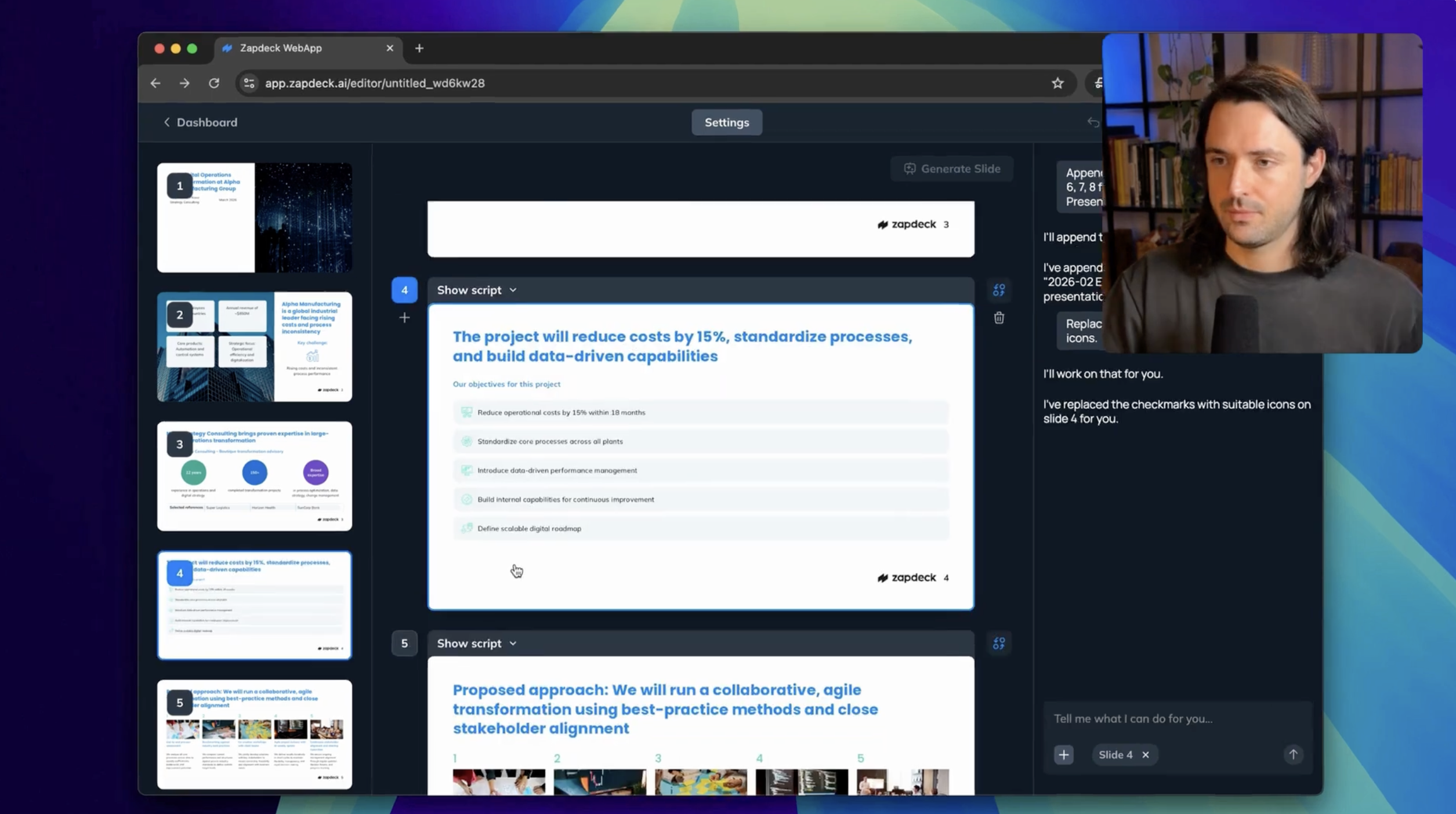
Edit or export your slides
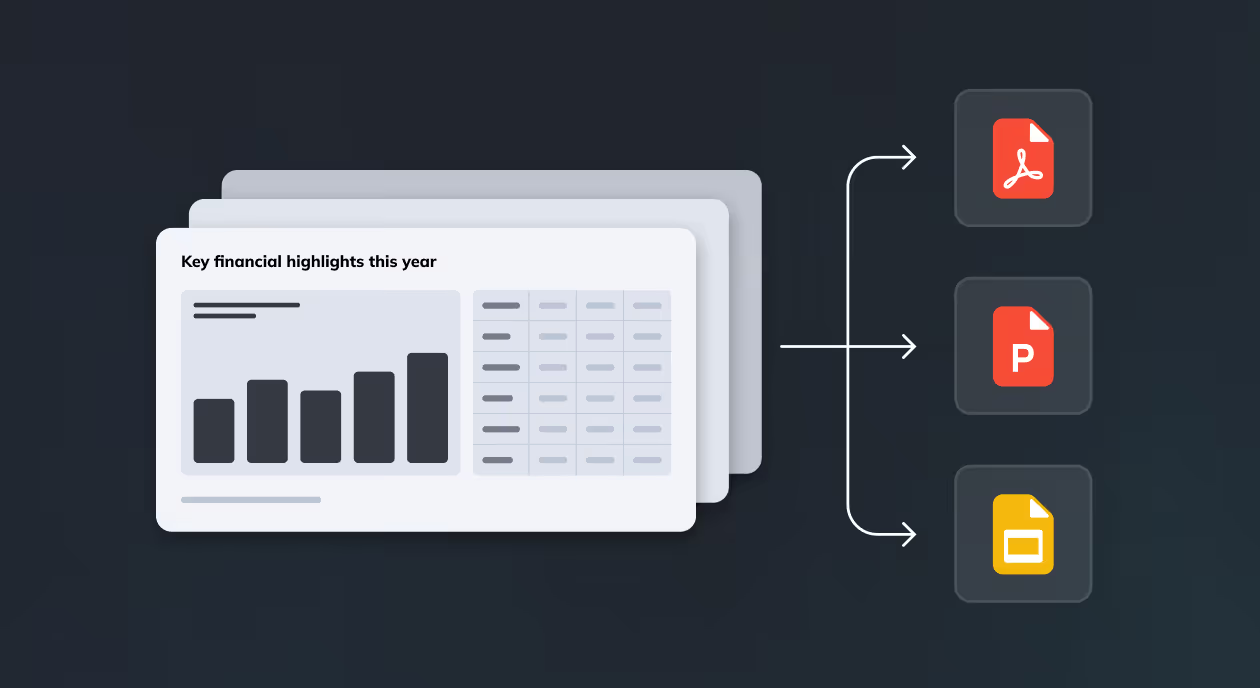
Once the import is complete, you can keep refining the slides in Zapdeck—such as adjusting layouts with the assistant—or export them as PowerPoint files for manual editing.
.png)
See how it works in action

.avif)
.png)


.png)
.png)
.png)
.png)
.png)
.png)


