.png)
Start for free
We respond within 24 hours. Please note we only respond to business inquiries.

Allow cookies to watch this video
Alternatively, you can watch the video on our YouTube channel.
Create project summaries
Upload presentations and documents from your projects and turn them into clear, structured summaries in seconds





Turn data into clear presentations



Flexible data templates
Define the ideal charts and layouts once, then reuse them to accurately visualize any dataset—no matter the size or complexity.

Always on-brand reporting
Apply your branding guidelines automatically to every report—no more outdated templates or manual formatting under time pressure.
AI-powered data editing
Use prompts to refine slides—highlight key insights, remove irrelevant data, or automatically add clear interpretations of your results.
Connected data sources
Integrate with your data systems or upload files directly to generate up-to-date reports instantly – fully automated and ready to present.
.png)
Set up your summary structure
Create a storyline and templates to ensure every summary follows the right structure. This can include reusable slides such as executive summaries, project vignettes, or other formats you want to use across future presentations.
.avif)
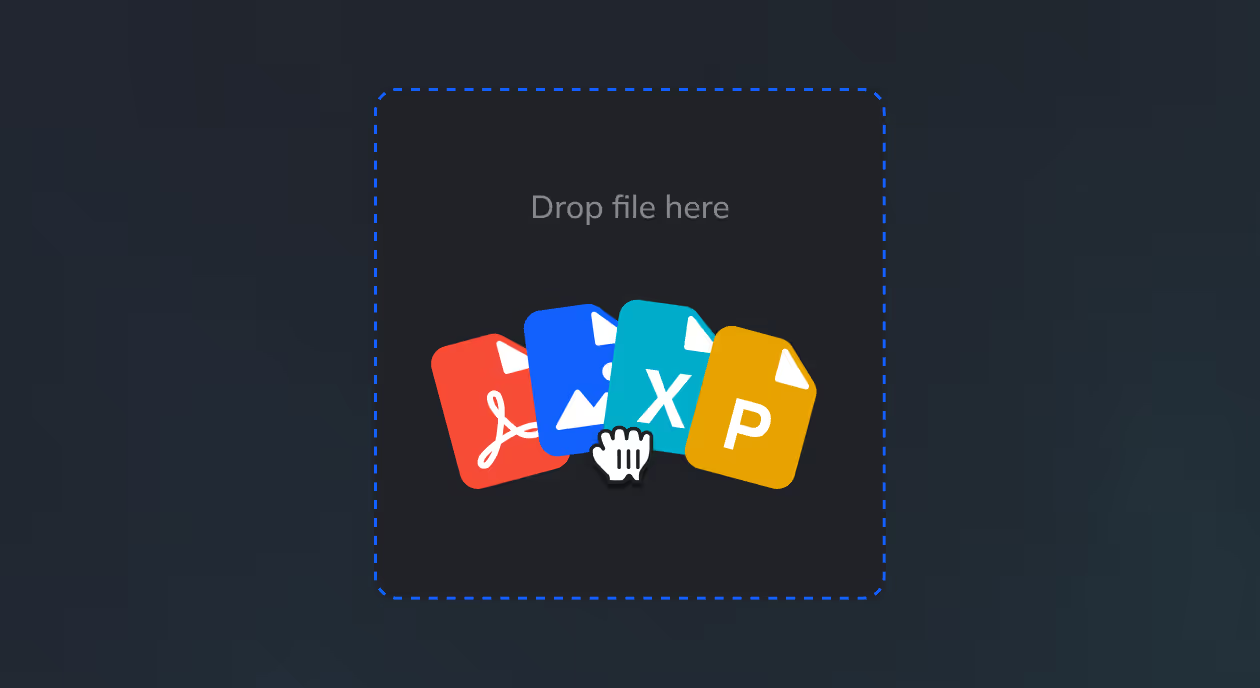
Upload your project materials
Upload the files you want to summarize – such as presentations and documents created throughout a project – to turn them into a clear summary for internal knowledge management.
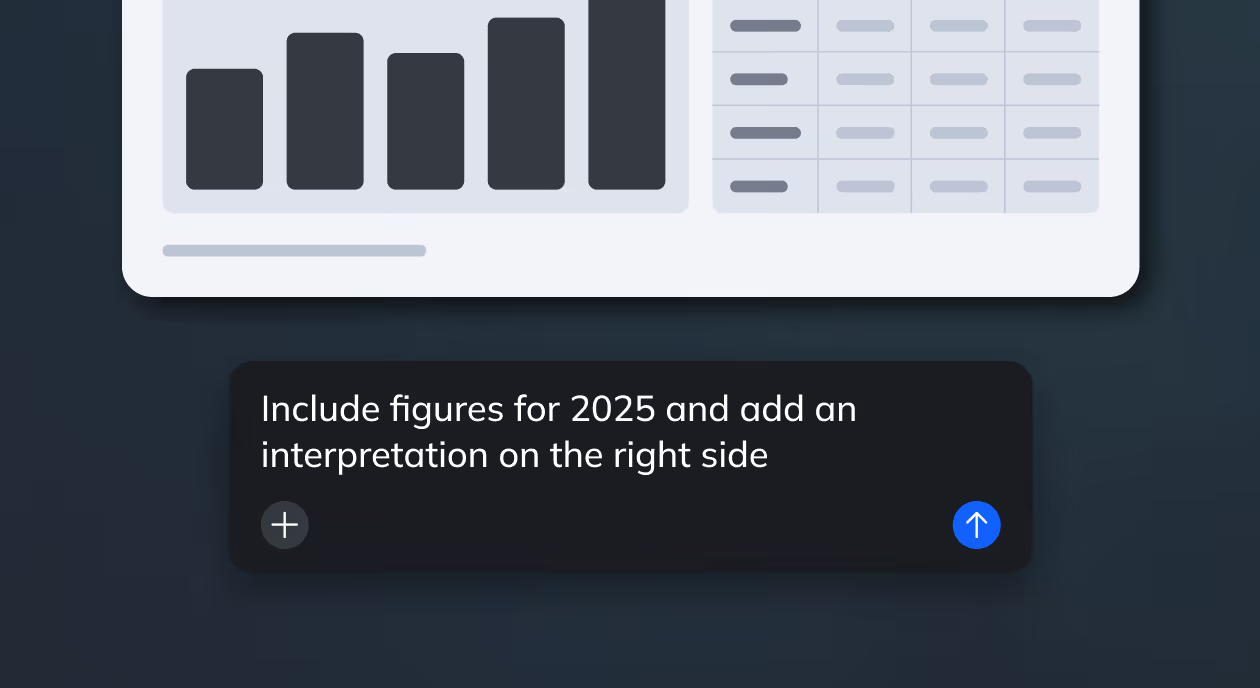
Refine the summary with AI
Once the presentation is generated, use the assistant to improve and expand it – for example by creating additional slides from the uploaded documents or adding details you want to include.
Export your presentation
Download your presentation as a PowerPoint file. Additional export options like PDF and Google Slides are coming soon.
.avif)
Turn your knowledge into a real asset
.avif)
Create structured project summaries in minutes instead of hours – freeing up time across teams and increasing overall productivity.

Turn scattered materials into clear, well-structured presentations – enabling better, more informed decisions at every level.
.avif)
Capture more of your project work automatically – turning previously unused knowledge into reusable assets that drive future impact.
See an example from one of our customers


Automated creation of QBRs for a leading Germany e-commerce company
Frequently asking questions
How do we get our data into Zapdeck?

You can connect your data sources directly or upload files manually. We support flexible integrations depending on your setup.
Can we customize the structure of our reports?
Yes. You can define templates, slide structures, and visualizations to match your reporting standards.
- Pitch decks
- Product and strategy presentations
- Reports and internal updates
- Sales and marketing decks
- Educational content
Can we adapt reports for different audiences?
Yes. You can tailor reports for different stakeholders – e.g. more detailed views for internal teams or simplified versions for executives.
Is this suitable for financial and sensitive data?
Yes. Zapdeck is designed for business-critical use cases and supports enterprise-grade security and compliance requirements.
What impact can we expect, and how do we measure it?
Most teams reduce reporting time from hours to minutes, freeing up time for analysis. At the same time, clearer reports improve stakeholder understanding and satisfaction.
.avif)
.png)


.png)
.png)
.png)
.png)
.png)
.png)


