.png)
Start for free
We respond within 24 hours. Please note we only respond to business inquiries.

Allow cookies to watch this video
Alternatively, you can watch the video on our YouTube channel.

🇬🇧 Create effective outlines with Plan Mode
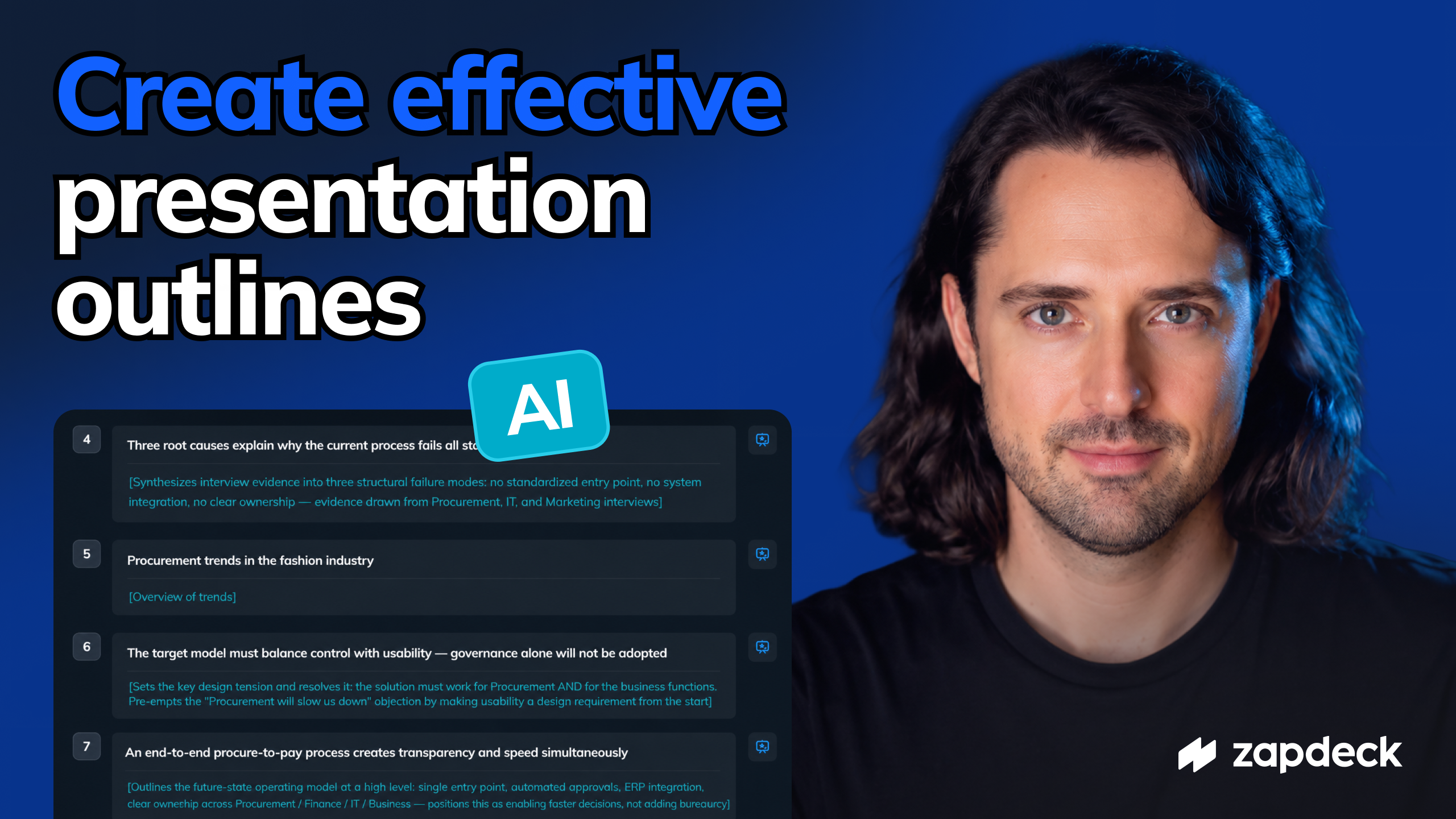

Most AI presentation tools start by generating slides immediately. While this is fast, it often produces presentations with an unclear story, inconsistent messaging, or weak structure.
Zapdeck's Plan Mode introduces a different workflow. Instead of beginning with slide design, it starts with presentation planning.
The AI first develops a structured outline, determines the purpose of each slide, and generates detailed slide scripts before creating any layouts. This makes it possible to review the narrative, refine the content, and align stakeholders before investing time in slide design.
Plan Mode is particularly useful for presentations that are created from scratch, including board presentations, strategy decks, executive updates, client presentations, sales presentations, workshops, and investor presentations.
The workflow begins with a simple description of the presentation goal. Additional context such as emails, project briefs, interview notes, PDFs, Excel files, CSV files, screenshots, or other supporting documents can be uploaded to provide the AI with relevant background information.
Based on this context, the assistant analyzes the available information and asks targeted follow-up questions whenever important details are missing. These questions help define the audience, presentation scope, objectives, key decisions, language, and other requirements before an outline is generated.
Once sufficient context is available, Zapdeck creates a complete presentation outline. Each slide receives a title and a concise description of its intended content. The outline can then be edited manually or with AI assistance by adding, removing, reordering, or modifying slides until the overall story is complete.
After the outline has been approved, Zapdeck generates detailed slide scripts for every slide. These scripts contain the full content that will later be transformed into presentation slides. The scripts remain fully editable and can be shortened, expanded, or refined at any point before or after slide generation.
When the content is finalized, Zapdeck automatically designs the presentation using the approved scripts. Slides are generated directly in the organization's own PowerPoint master or company template, ensuring consistent branding and formatting throughout the presentation.
Even after slide generation, the workflow remains content-driven. Users can reopen the underlying script, update the content, and regenerate individual slides without starting over. Layouts can also be redesigned independently while preserving the approved messaging.
The completed presentation can be exported as a standard Microsoft PowerPoint (.pptx) file for further editing, collaboration, or delivery.
By separating planning, content creation, and visual design into distinct steps, Zapdeck Plan Mode provides a structured AI workflow for creating professional presentations that are easier to review, easier to edit, and significantly more consistent than slide-first approaches.
.avif)
.png)


.png)
.png)
.png)
.png)
.png)
.png)


