.png)
Start for free
We respond within 24 hours. Please note we only respond to business inquiries.

Allow cookies to watch this video
Alternatively, you can watch the video on our YouTube channel.
Turn company knowledge into training
Create consistent training presentations for every role and learning level
Scale your best content


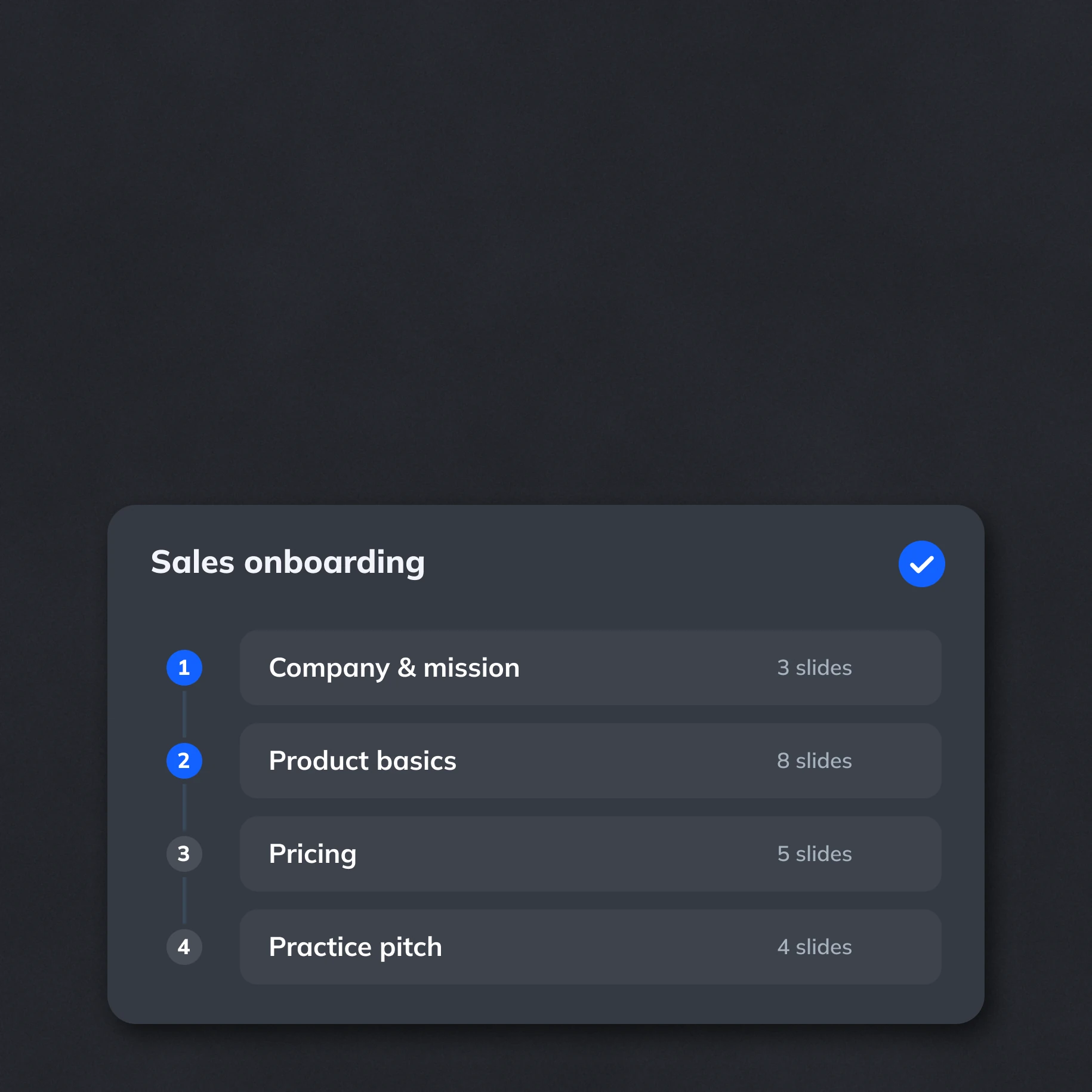
Create reusable learning paths
Build reusable storylines from approved knowledge. Give trainers a shared foundation for onboarding and product training.
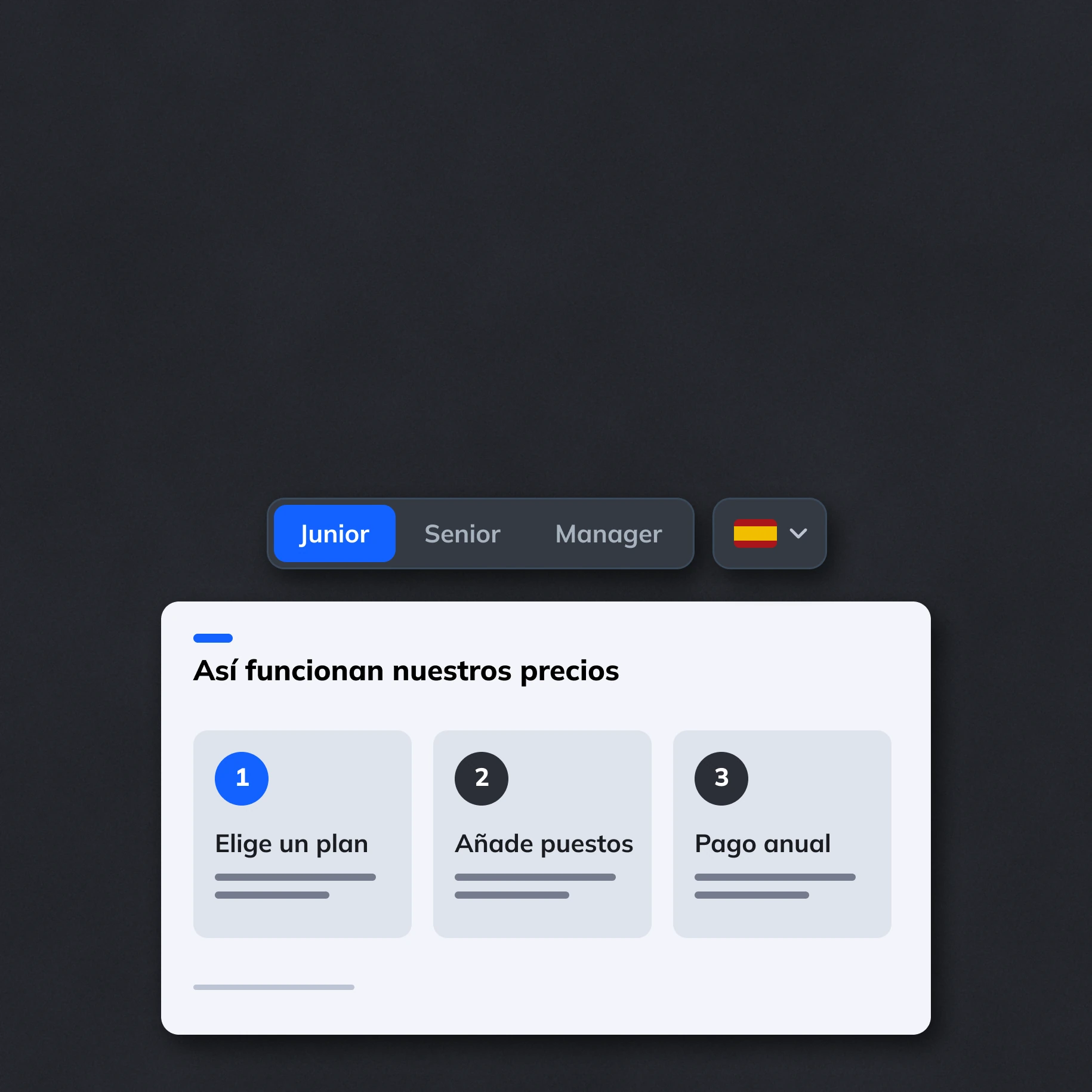
Adapt to every audience
Create variants for different roles, regions and experience levels. Let AI adjust explanations and examples within the content boundaries you define.
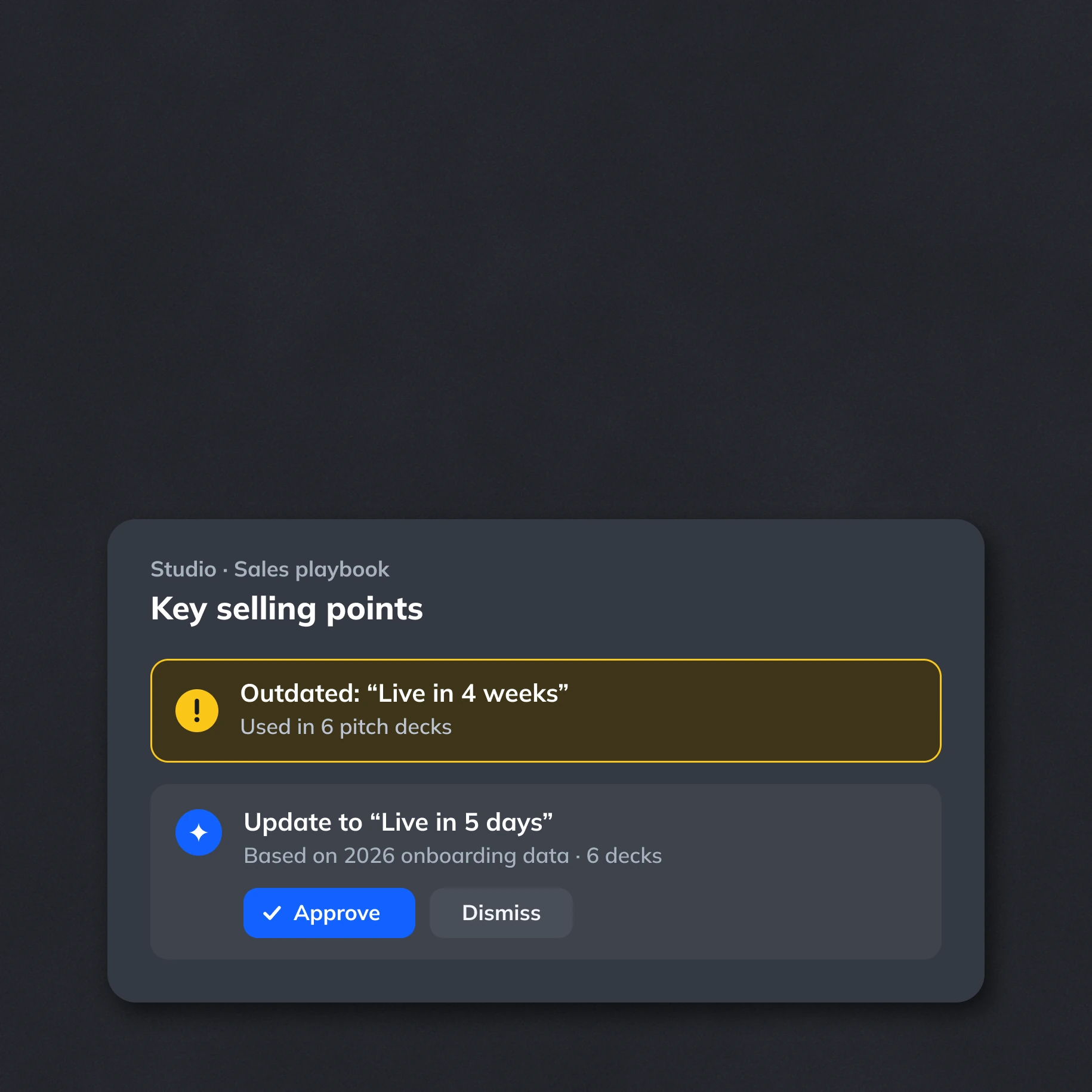
Keep materials current
Manage content and data centrally in Studio. AI identifies outdated information and recurring corrections, then proposes updates for your approval.
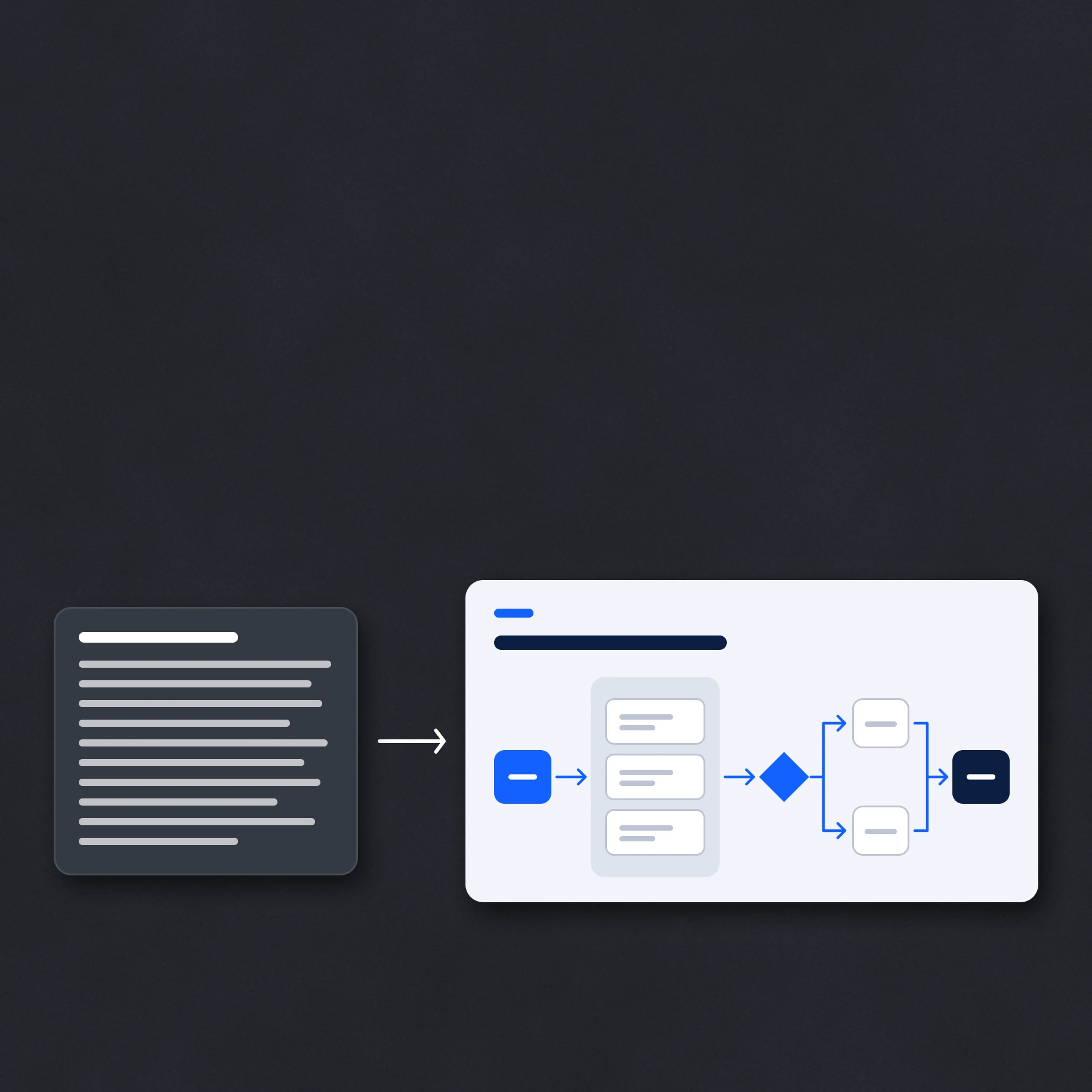
Present knowledge clearly
Turn dense material into clear slides, diagrams and examples. Use your design system and flexible components to keep training presentations consistent.

Create more with less effort

Create presentations from approved content and storylines. Reuse your best material across teams.

Adapt content, depth and language for each audience, while your rules keep messaging and design on-brand.

Update shared content in one place. AI proposes changes for approval, so new decks use current information.
Frequently asked questions
What kinds of training presentations can we create?

What kinds of training presentations can we create?
Use Zapdeck for employee onboarding, product training, sales enablement and internal knowledge sharing. Start from existing documents, presentations or approved company content. Build reusable storylines so trainers can create consistent materials for each session.
Can we adapt content for different learning levels?
Can we adapt content for different learning levels?
Yes. Storylines can contain different paths, sections and approved variants for beginners, specialists or managers. AI adapts explanations, examples and layouts within those choices. You control which core information stays consistent and where the presentation can vary.
- Pitch decks
- Product and strategy presentations
- Reports and internal updates
- Sales and marketing decks
- Educational content
How do we keep training content up to date?
How do we keep training content up to date?
Manage approved modules, guidelines and data sources centrally in Studio. AI helps identify outdated information, repeated user corrections and new requirements, then proposes changes for approval. Updated content can be reused when creating or revising training decks.
Can we translate presentations or use different brands?
Can we translate presentations or use different brands?
Yes. Use the AI Assistant to translate slides and adapt presentations to another managed design theme. Keep approved terminology and required content in your company guidelines. This supports regional or audience-specific training while preserving a consistent core message.
Does Zapdeck replace our learning platform?
Does Zapdeck replace our learning platform?
Zapdeck focuses on creating, adapting and reviewing training presentations. Export fully editable PowerPoint files or PDFs for use in your existing training process, or share presentations through a web link. Course delivery, learner tracking and assessments remain in your learning platform.
.avif)
.png)


.png)
.png)
.png)
.png)
.png)
.png)


