.png)
Start for free
We respond within 24 hours. Please note we only respond to business inquiries.

Allow cookies to watch this video
Alternatively, you can watch the video on our YouTube channel.
Create board-ready presentations
Build a clear argument with AI, reliable data and your company’s standards
Present a clear recommendation


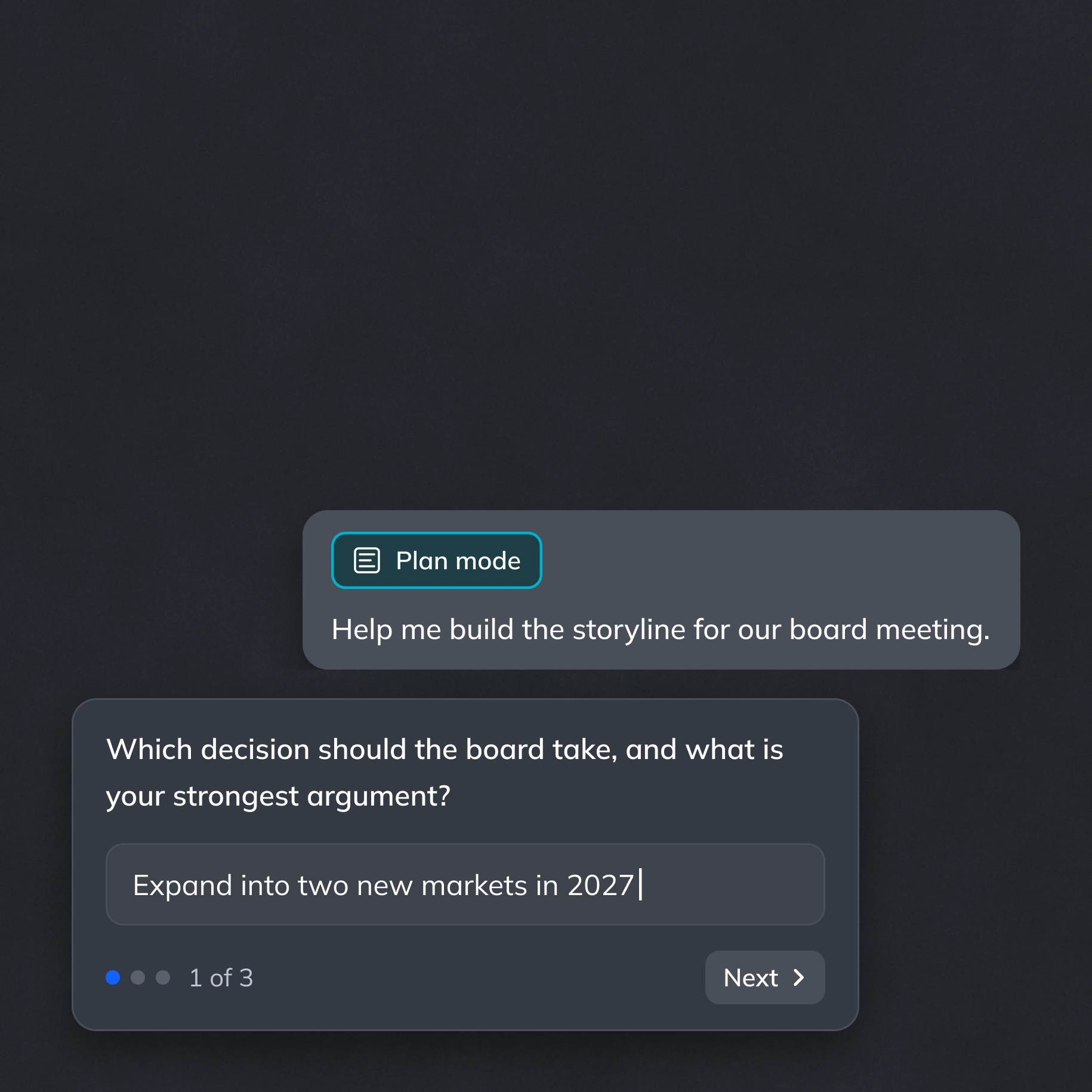
Find the right storyline
Use Plan Mode to clarify the decision, challenge your argument and structure the story. Focus the presentation on what your audience needs to understand.
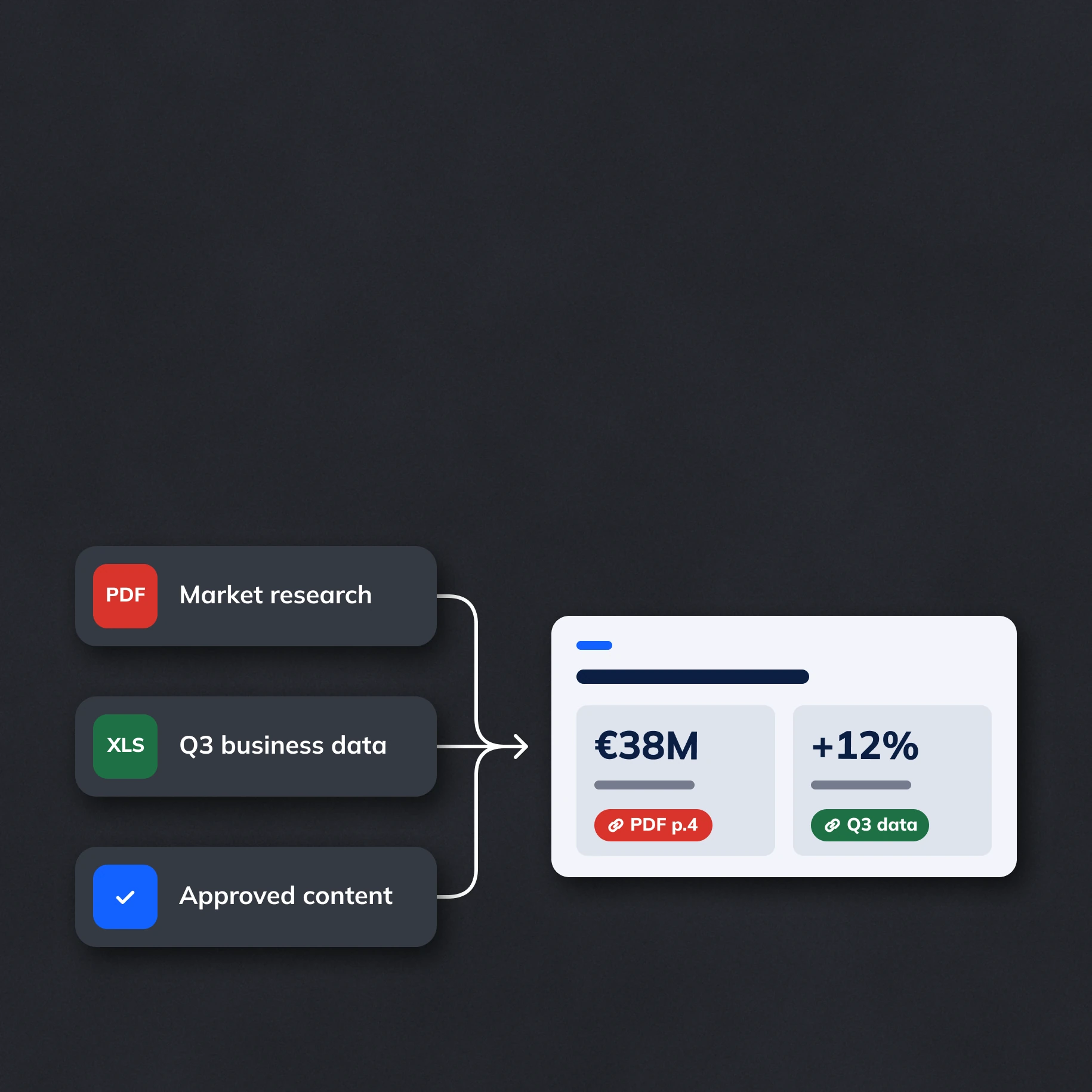
Bring evidence together
Combine research and business data with approved company content. Source-linked variables keep key figures consistent across the deck.
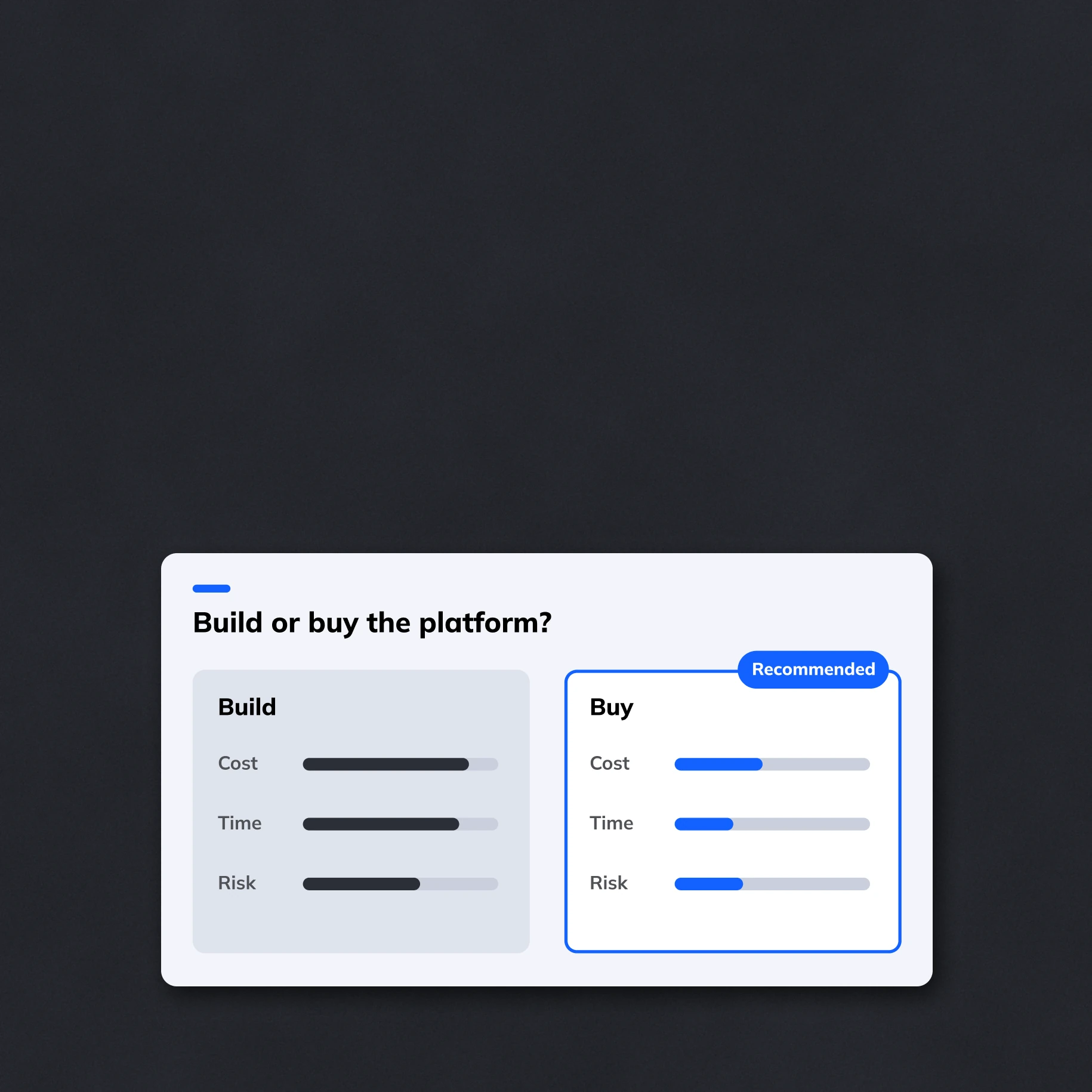
Make complex ideas clear
Use intelligent layouts, charts and flexible components to explain trade-offs and recommendations. Keep every slide aligned with your design system.
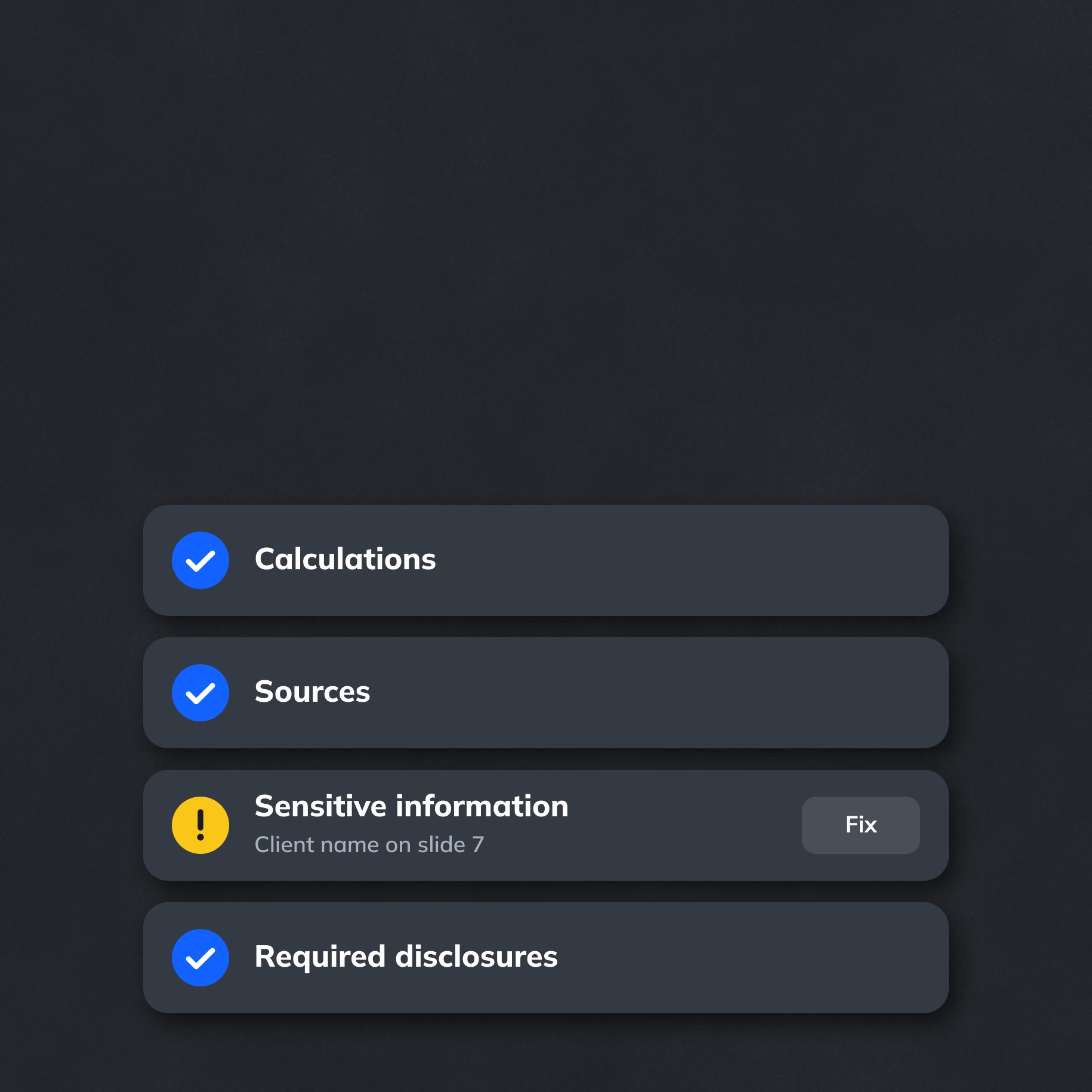
Review before the meeting
Check calculations, sources, sensitive information and required disclosures with Review Agents and deterministic rules. Refine flagged issues before presenting.

Make decisions easier

Make your recommendations easy to grasp, so decision-makers can compare options and agree on next steps.

Present the same facts and messages across every deck, so stakeholders work from a shared, reliable picture.

Deliver polished, on-brand presentations that meet your company’s quality standards and are ready for the board.
Frequently asked questions
Can I use Zapdeck for one-off presentations?

Can I use Zapdeck for one-off presentations?
Yes. Start with a question, a rough idea or existing materials. Plan Mode helps you develop a storyline for that specific decision, and the AI Assistant helps refine the slides. You can use company standards without setting up a recurring workflow.
How does Plan Mode help build the argument?
How does Plan Mode help build the argument?
Work with AI to clarify your audience, the decision at stake and the message you want to convey. Explore different angles and organize evidence before creating slides. You can then write and refine the narrative in the Script Editor as your thinking develops.
- Pitch decks
- Product and strategy presentations
- Reports and internal updates
- Sales and marketing decks
- Educational content
Can we combine research and business data?
Can we combine research and business data?
Yes. Upload documents and spreadsheets or connect company data sources through MCP or APIs. Combine them with approved content and source-linked variables. This helps you build one coherent presentation from different materials while keeping key facts consistent.
How do we handle sensitive information?
How do we handle sensitive information?
Define access rights and content requirements in Studio, and use Review Agents to check for information that should not reach a particular audience. Data is processed in the EU, with on-premise deployment available. Your team determines what is approved for the final presentation.
Can we keep refining the presentation in PowerPoint?
Can we keep refining the presentation in PowerPoint?
Yes. Export a standard, fully editable PowerPoint file, including charts, icons and text. You can also import existing PowerPoint slides with their exact design. In Zapdeck, each slide has a version history so you can return to an earlier version while refining your argument.
.avif)
.png)


.png)
.png)
.png)
.png)
.png)
.png)


